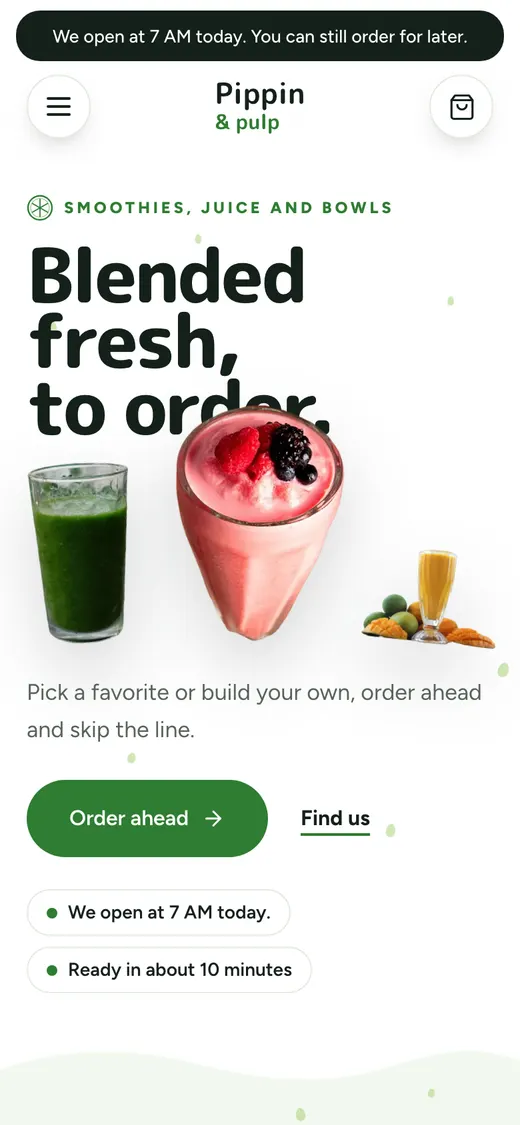
Pippin & Pulp
Smoothie and juice bar · Guilford, CT
Smoothie, boba & ice cream
A site for the smoothie bar, the bubble tea shop and the ice cream counter, built around the cup people make their own. Sizes, sweetness, ice and toppings sit on every item’s page, and the order is ready at the time they picked.
$0 a month · Cobble POS or your Square · Set up with you
Sunny Bowl · Bowls
Açaí bowl
$11.50
Açaí, granola, your toppings
Toppings · Pick 2 free
2 free left BananaFree
 BerriesFree
 CoconutFree
 HoneyFree
 CacaoFree
 MangoFree
Size
Illustration. Sunny Bowl is a made-up store.
01Build your own
Base, size, sweetness, ice, toppings. The builder walks each step and the price follows along, so nobody gets a surprise at checkout. Your signature cups sit next to it, each on its own page.
Nella’s Nutri-Bar · Pickup
When should it be ready?
Ready in about 15 min
Based on the kitchen right now
Illustration, with Nella’s Nutri-Bar
02Regulars
Rewards count every order made on your site, and regulars see their past orders, so their usual is a tap away. You decide what earns what.
Runs on Cobble payments, the built-in checkout. Stores that check out through Square take cards.
Juniper & Rye
Your stamp card
Est. on Rye St.
7 of 10
Ten stamps, one free drink
Illustration. Juniper & Rye is a made-up café.
03Delivery, built in
A courier is requested for you, order by order. The customer watches the bag travel from your counter to their door and pays the delivery fee, like on any app. The order and the customer stay yours.
Arriving by 12:52
Nella’s Nutri-Bar · #2187
Finding a courier
A nearby courier
Illustration, with Nella’s Nutri-Bar
A day in the store
How orders move through a fresh counter on Cobble, from the gym crowd to the after-dinner scoop.
7:10 AM
A blend is scheduled for 7:20 pickup. The slot list only offers times you can make.
12:30 PM
One link, everyone picks their own cup, one person pays.
3:40 PM
Size, sweetness, ice, toppings. The builder walks each step and the price follows along.
8:30 PM
Two scoops in a waffle cone, ordered from the car and ready at the window.
Everything else, included
The features that matter most for a fresh counter, all in the $0. Every one has its own page if you want the details.
Ordering
A site under your name, with the build-your-own cup at the heart of it.
Learn moreFulfillment
ASAP or a time slot, so the 3:40 milk tea is on the shelf at 3:40.
Learn moreCustomers & loyalty
Rewards that bring regulars back, counted on every order.
Runs on Cobble payments, the built-in checkout. Stores that check out through Square take cards.
Learn morePayments
Apple Pay and Google Pay, for the customer ordering on the walk over.
Runs on Cobble payments, the built-in checkout. Stores that check out through Square take cards.
Learn moreCatering & groups
A round for the office on one link, with names on every cup.
Learn moreCatering & groups
Party orders and ice cream cakes by request, when you switch them on.
Switched on per store. Deposits and invoices run on Cobble payments.
Learn moreSites like yours
Smoothie and juice bar · Guilford, CT

Bubble tea · Hamden, CT

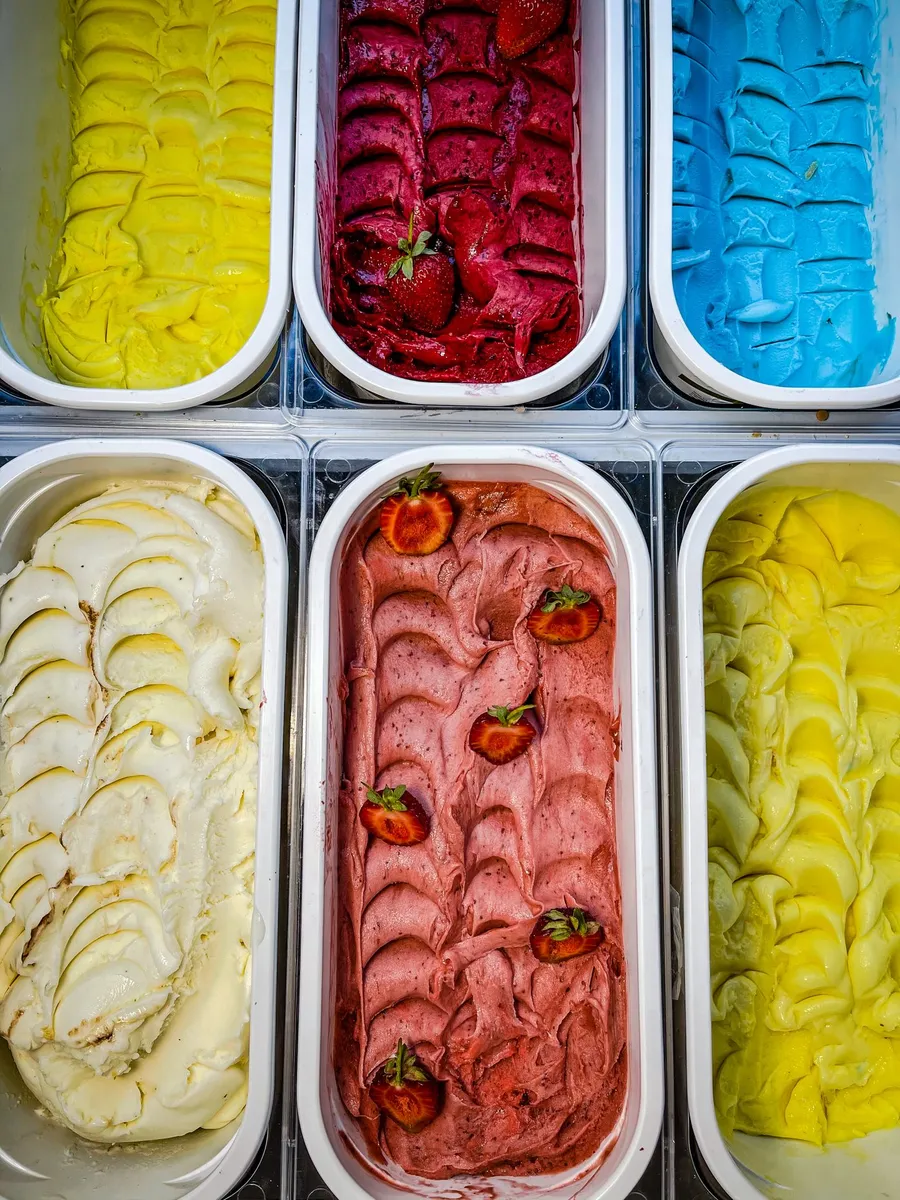
Ice cream and dessert · Mystic, CT
More than a menu page
A website of your own
Your name, your look, your own address. A real site built for your store, with ordering built in.
A page for every item
Each item gets its own page and address, with its photo, description and price by size.
Found on Google and in ChatGPT
Your menu, prices and hours as real text and structured data, with a sitemap and llms.txt, so Google and AI search can read them.
Hours, closures and where to find you
Your hours, closures and address on your page and in the data Google reads, so a holiday shows up where people look.
Pickup times you can keep
Ordering ahead follows your hours and prep time, and a day you're closed is never offered.
Order lookup for customers
Customers find their orders with the email or phone they used. No account needed.
Texts and emails at every step
Confirmed, ready, on the way. Emails in your store's look, and texts once your number is set up.
CateringWhen you switch it on
Trays sized to the headcount, a date, a quote and a deposit up front.
Group orderingWhen you switch it on
One link. Everyone adds their own, and the host checks out once.
Live delivery trackingWhen you switch it on
A delivery courier on a live map, on your own site, from your counter to their door.
Pop-ups and marketsWhen you switch it on
Where you'll be next, with orders taken ahead for the day.
Deli counter by the poundWhen you switch it on
Choose the cut and the amount, priced live, sliced to order.
LoyaltyWhen you switch it on
Regulars earn with you, on your own site.
PromotionsWhen you switch it on
Deals and codes you set, shown before checkout.
Gift cardsWhen you switch it on
Sold on your site and spent at checkout.
Reviews from real buyersWhen you switch it on
Only people who ordered can review, right on the item's page.
Text and email campaignsComing
Messages to your own customer list. Coming.
A title and description on every page
Written from your name, your town and what you sell, item pages included.
Your business, as structured data
Name, address, opening hours, holiday closures and price range, in schema.org.
The menu, as structured data
Every section and item, each with its price.
A product for every item
Its photo, its words and an offer for each size, marked in stock or sold out.
Questions and breadcrumbs
Your FAQ as structured data, and the path to every item.
llms.txt
A plain summary of your store for ChatGPT and AI search, with closures ahead.
robots.txt that names the AI crawlers
GPTBot, ClaudeBot, PerplexityBot and Google-Extended, each let in by name.
A sitemap
Every page listed, so Google finds the new ones.
No scripts needed to read it
The menu, prices and hours are in the page’s own text when it arrives.
Every line here is something the free site check can see on a page. Check any site, yours included.
Not just a link to order
Where the customer lands
A typical ordering link
Your Cobble site
A typical ordering link: A page on someone else’s address.
Your Cobble site: Your own address, with ordering on it.
About the pattern, not any one company: platforms differ, and change. Every row with a /check link is something the free site check measures on any page you give it.
Asked often
Yes. Each cup’s page has its sizes and choices with any extra cost shown, and the build-your-own walks each step with the price as you go.
Yes, when you switch custom orders on: the customer sends the date, the size and the flavors, and you reply with a price.
Every page has its own title and description, your hours and address as text, structured data for your business, menu and items, and a sitemap. No one can promise a ranking, but Google gets everything it needs to read. The free site check shows what it sees.
Yes. The menu, prices and hours are in the page’s own text, so crawlers that don’t run scripts still read them. Your site has an llms.txt summary, and its robots.txt lets GPTBot, ClaudeBot, PerplexityBot and Google-Extended in by name.
$0 a month, with no setup fee and no contract. Cobble is paid by a 3% service fee on each online order, typically 20¢ to 99¢, which the customer pays by default.
The whole price, line by line, is on Pricing. Words like drop and hand-off are in the glossary.
Getting started
Friday
On Square? Connect it and your menu, prices and locations come straight in. Otherwise add your items, nothing to retype later.
Saturday
Pick a look, add your photos, and check every item before anyone sees it.
Sunday
Share the link at the counter, on Instagram and on Google. Orders land at your counter.
Pricing
Every feature on this page is included. You keep the margin the marketplaces take.
$0
a month, always
No subscription, no setup fee and nothing held back for a higher plan.
3%
per order, typically 20¢ to 99¢, paid by your customer by default, or you
A small service fee your customer sees at checkout, unless you'd rather cover it. Nothing is taken from your menu prices.
Delivery
paid by your customer
Your customer pays for delivery, like on any marketplace. Your menu prices stay yours.
Counter
Cobble POS or your Square
Orders land next to the walk-ins, on Cobble POS or in your Square. Cards online are 3.3% + 30¢ all in on Cobble payments, or your Square rate.
Not a fresh counter?
Bring your menu or connect your Square, choose a look, and Cobble builds your storefront with you. It goes live when you’re happy with it.